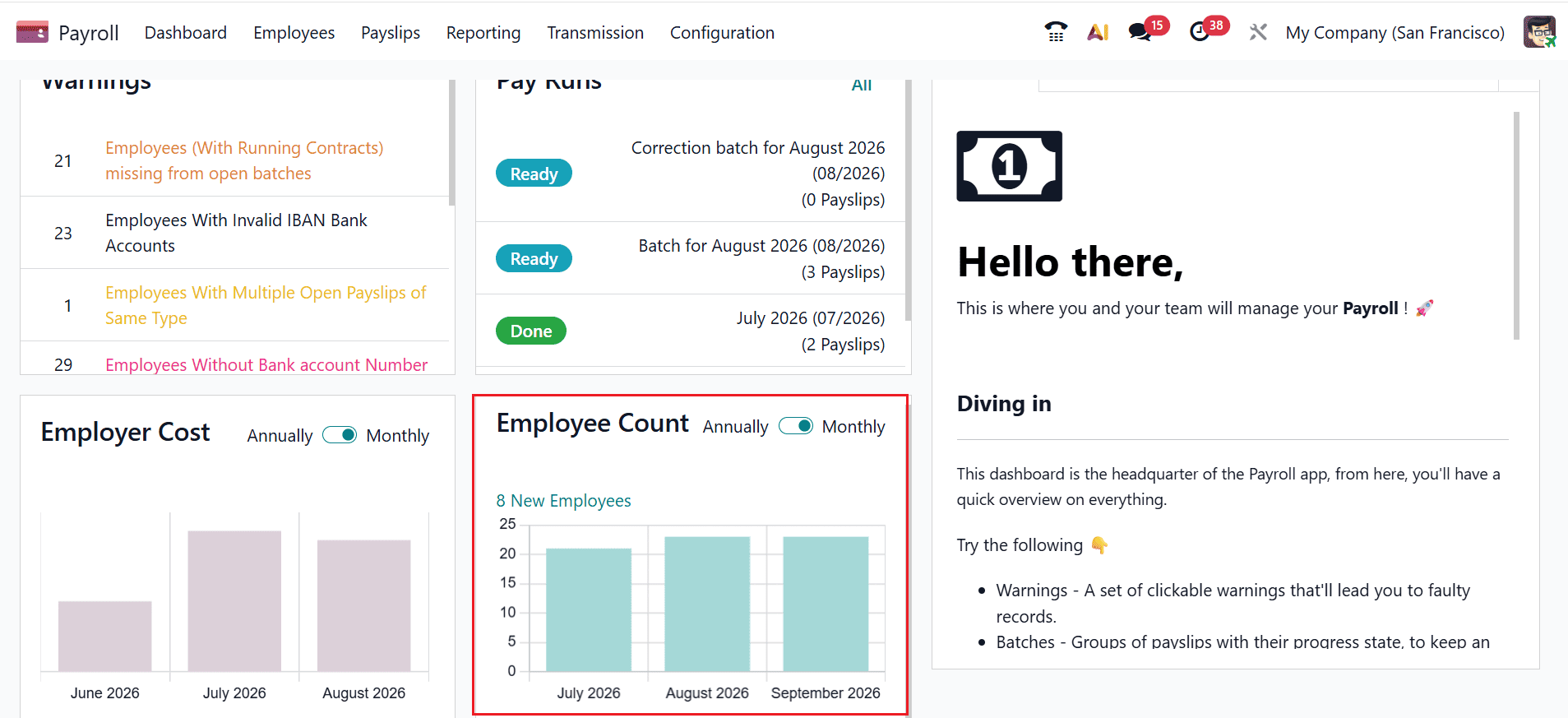
The Payroll Dashboard in Odoo 19 provides a centralized workspace for managing and monitoring payroll activities efficiently. It presents different types of information, including warnings, pay run, employer costs, and employee count, helping users understand the current payroll situation quickly. Warnings highlight important issues requiring attention, while pay run organize payroll processing activities. Employer cost data provides an overview of payroll expenses, and employee count help analyze changes and patterns in workforce information. The dashboard also allows users to add notes for important reminders or follow-ups and create new tabs to organize relevant information. Understanding these features makes payroll management easier and more effective.
What is Odoo 19 Payroll Dashboard
The Payroll Dashboard is a central workspace within the Odoo 19 Payroll application. It allows payroll administrators to access important information without having to navigate through multiple menus. Instead of checking every payroll record individually, you can review key information from the dashboard and identify areas that need attention.
Dashboard Overview:
- Warning
- Pay Runs
- Employee Count
- Employer Cost
- Notes
Firstly, open the Payroll module from the Odoo 19 dashboard. The Odoo 19 Payroll Dashboard can provide different types of information that help you to monitor payroll activities.
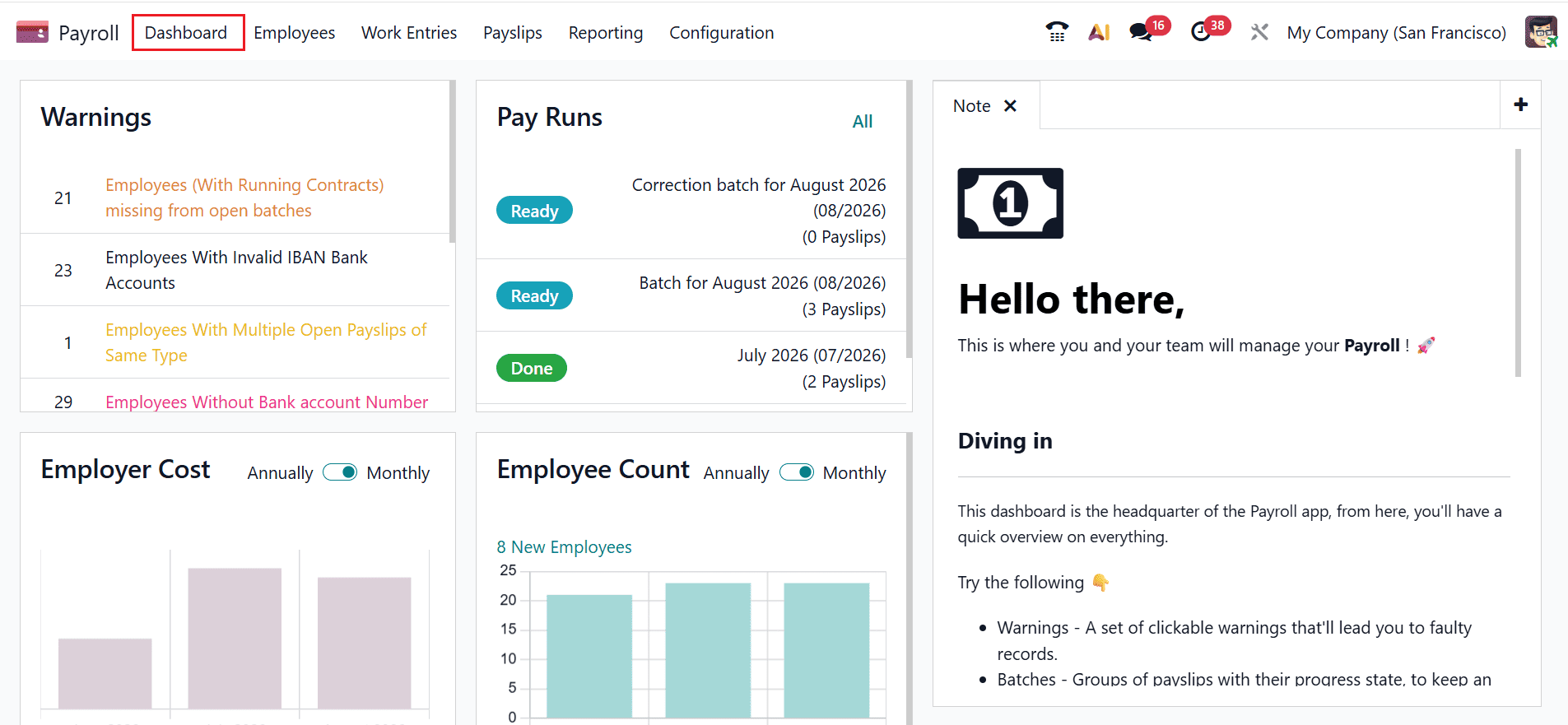
1. Warnings
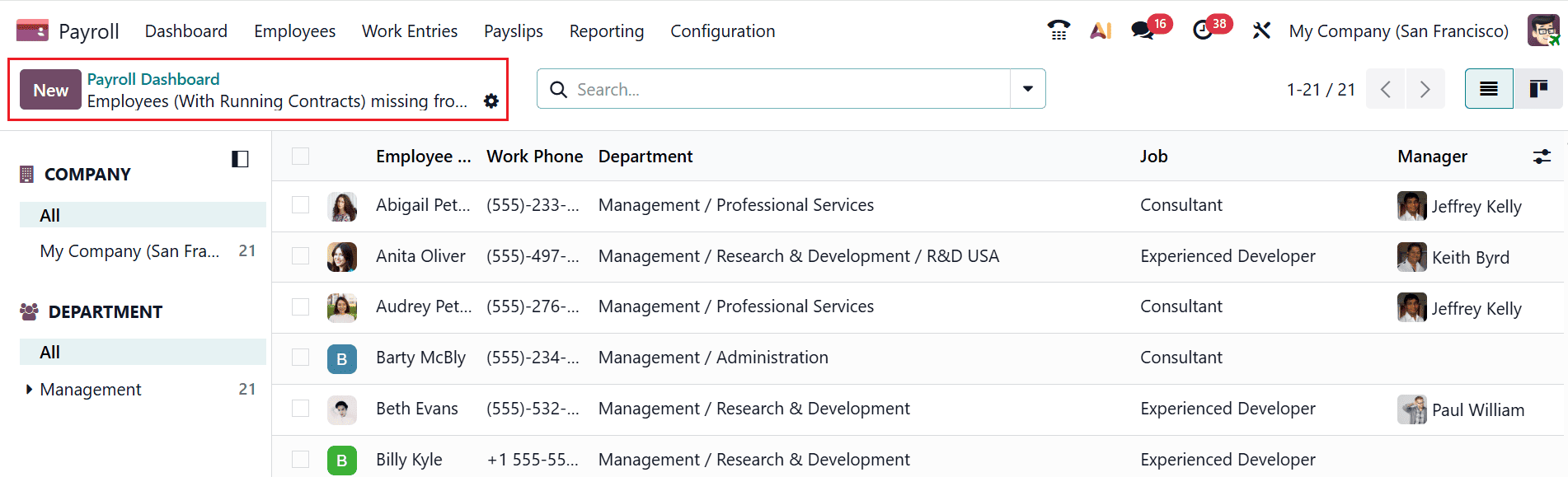
The Warnings section helps you to identify payroll-related issues that may require attention. Warnings can alert administrators to problems or incomplete information that could affect payroll processing. Reviewing these warnings regularly can help you to resolve issues before finalizing payroll.
Clicking a warning opens a list of employees associated with that issue.
2. Pay Run
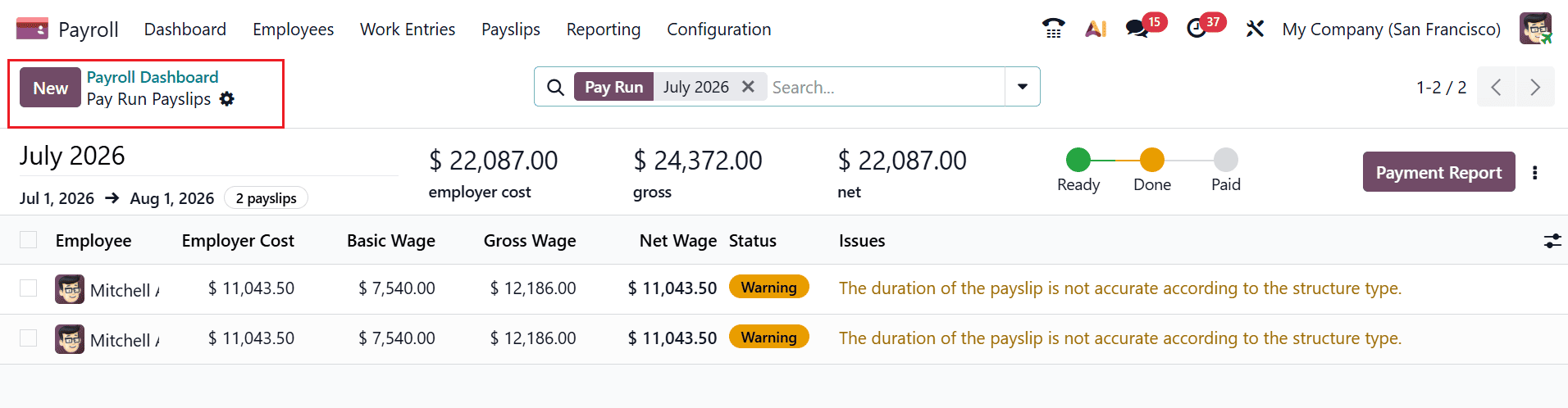
Pay Run helps you to organize payroll processing activities. When payroll information needs to be processed for multiple employees, organizing the relevant operations into batches can make the workflow easier to manage. The dashboard provides visibility into batch-related activities so that administrators can monitor payroll processing more systematically.
The Pay Run section organizes payslip groups into three stages: Ready, Done, and Paid. You can select a specific stage to open its batch dashboard or click All to access the complete list. Each stage also shows the total number of batches it contains.
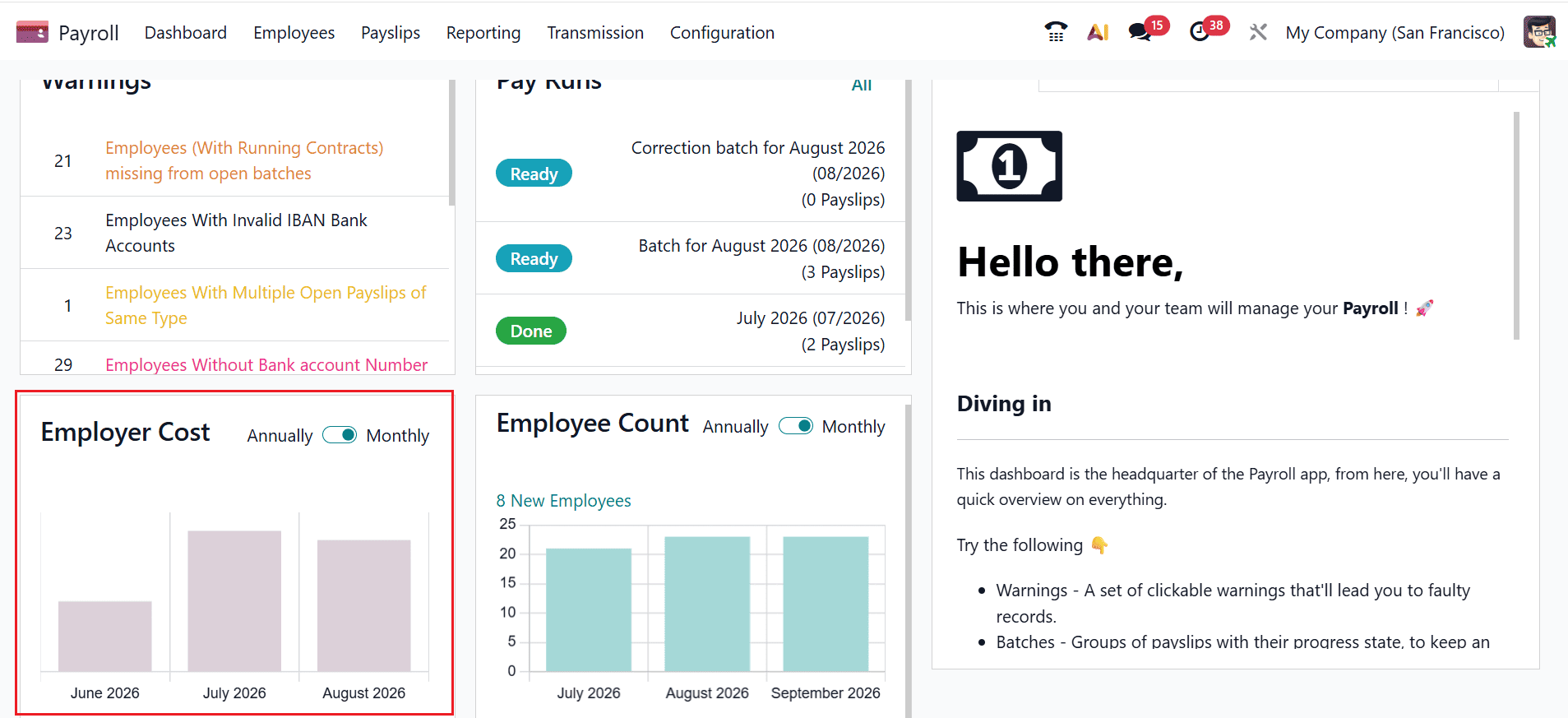
3. Employer Cost
The Employer Cost tab allows businesses to monitor employee-related expenses through monthly and yearly views. Visual charts make it easier to analyze spending patterns, compare costs across different periods, and support effective budgeting, forecasting, and financial planning.
4. Employee Count
The Employee Trends section offers a clear view of workforce changes through graphical data. By reviewing monthly or annual trends in employee numbers, HR teams can understand workforce growth, turnover patterns, and future staffing requirements.
5. Notes
The Notes tab allows you to record comments, summaries, and important details related to payroll activities. It is useful for documenting decisions, observations, and follow-up information throughout the payroll process. To create a new note, click the + icon. Odoo provides various formatting options to keep notes clear and organized, including checkboxes, bullet points, and AI-assisted content suggestions, making it easier to document payroll information efficiently.
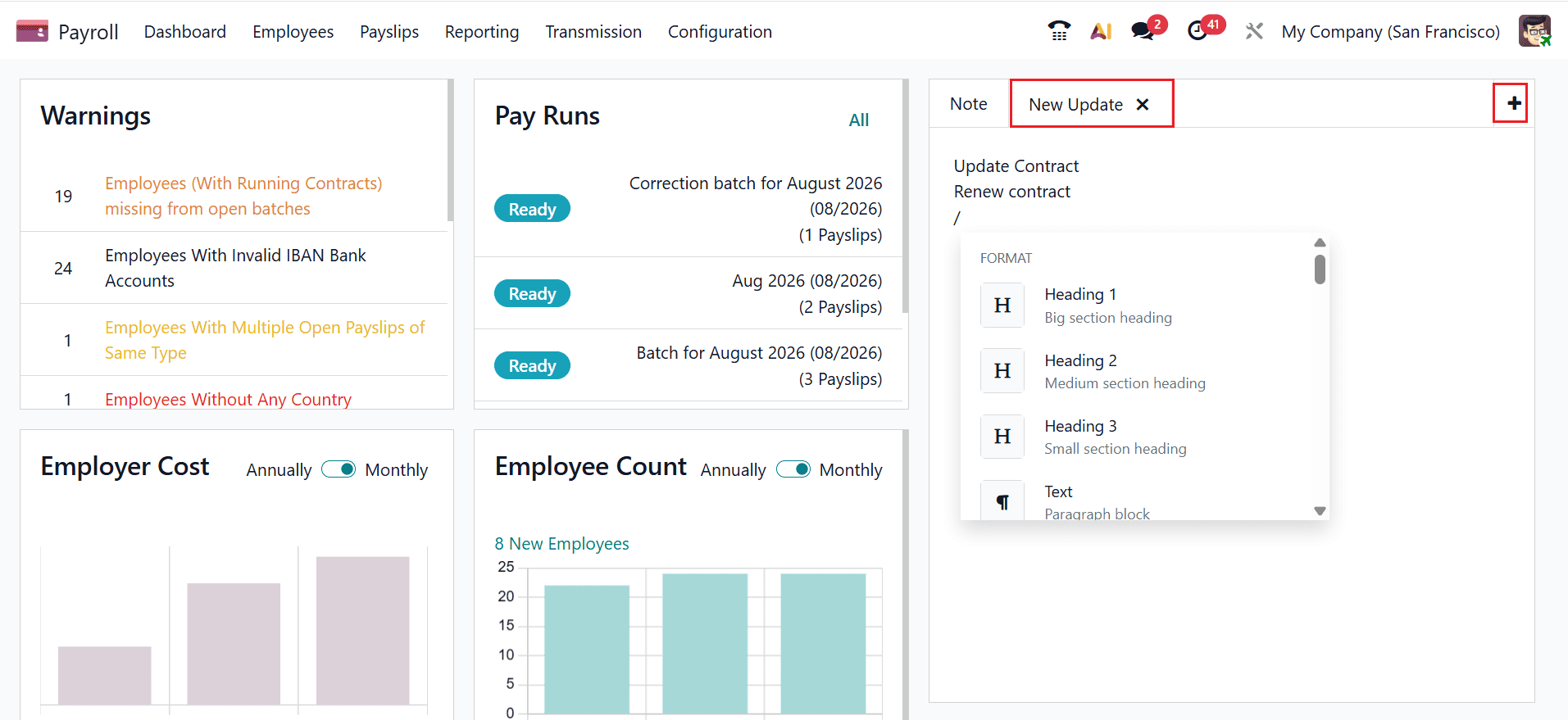
Navigating the Payroll Dashboard in Odoo 19 enables you to manage payroll information in a clear and organized manner. The dashboard’s warnings help identify issues, batches assist in tracking payroll processing, employer cost information supports expense monitoring, and employee trends provide useful insights into workforce patterns. You can also add notes to record reminders, instructions, or important payroll details for future reference. Creating new tabs allows information to be organized according to specific requirements, making frequently used data easier to access. Overall, these features improve payroll visibility, organization, and efficiency, helping administrators monitor important activities and make informed decisions while managing employee payroll.
To read more about How to Manage Payroll Dashboard in Odoo 18, refer to our blog How to Manage Payroll Dashboard in Odoo 18.